









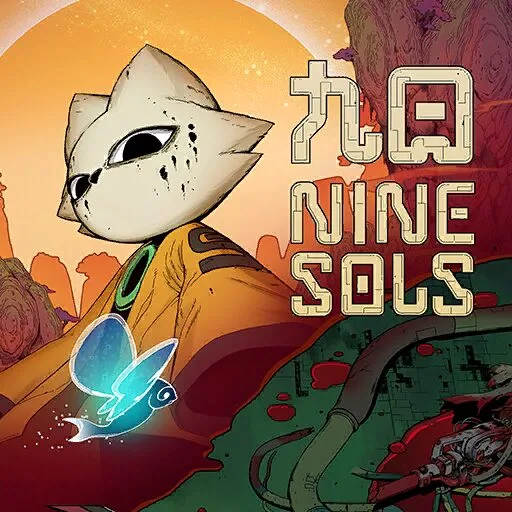
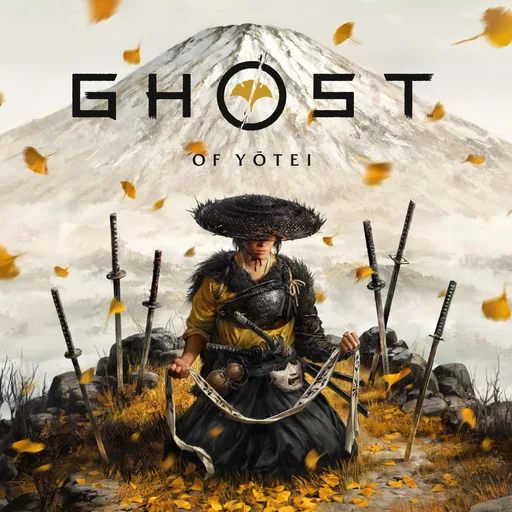


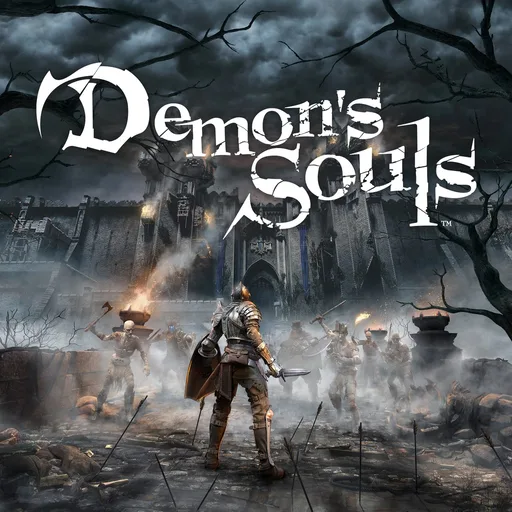













Games
Your library, like on the console.
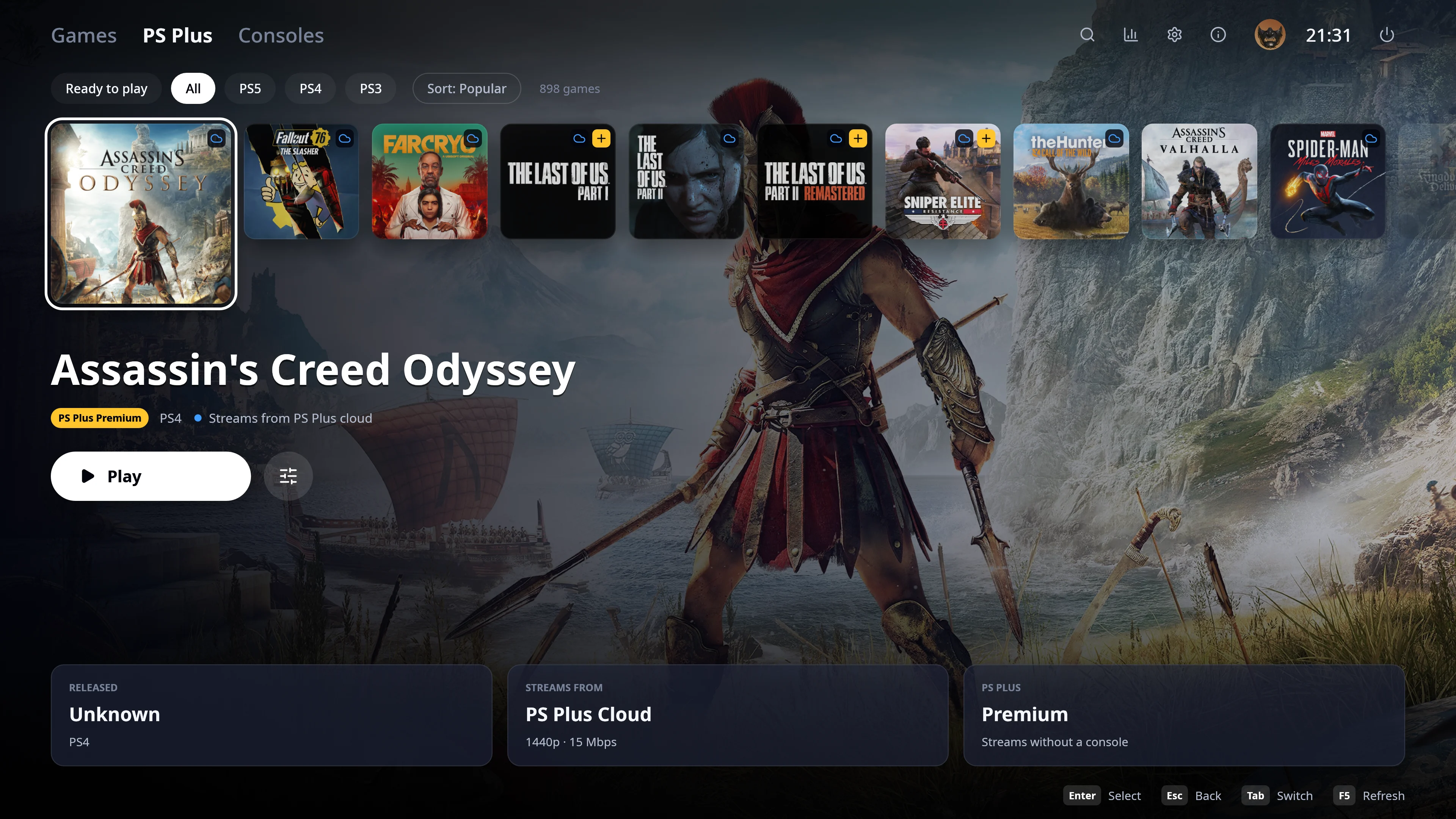
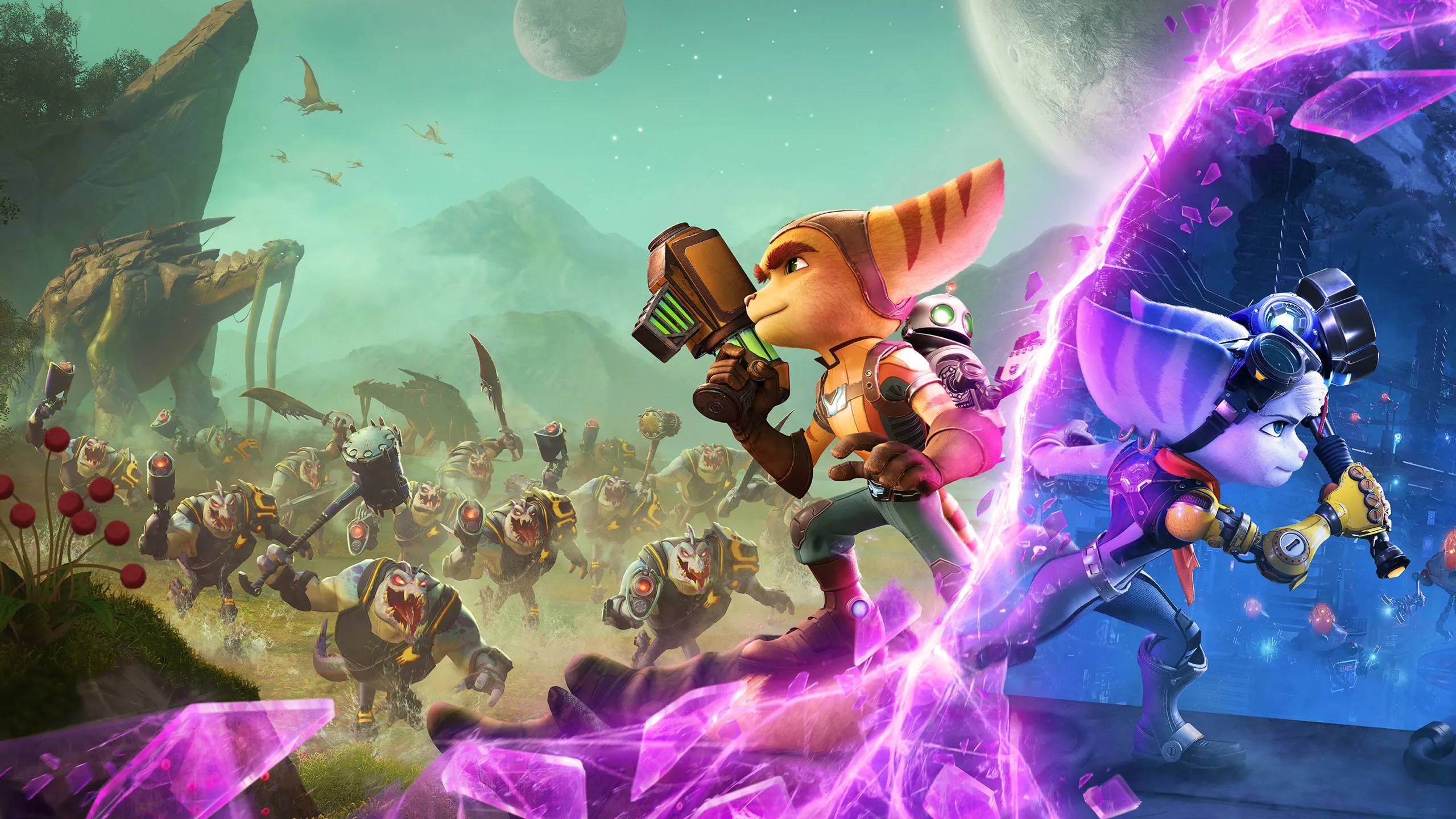
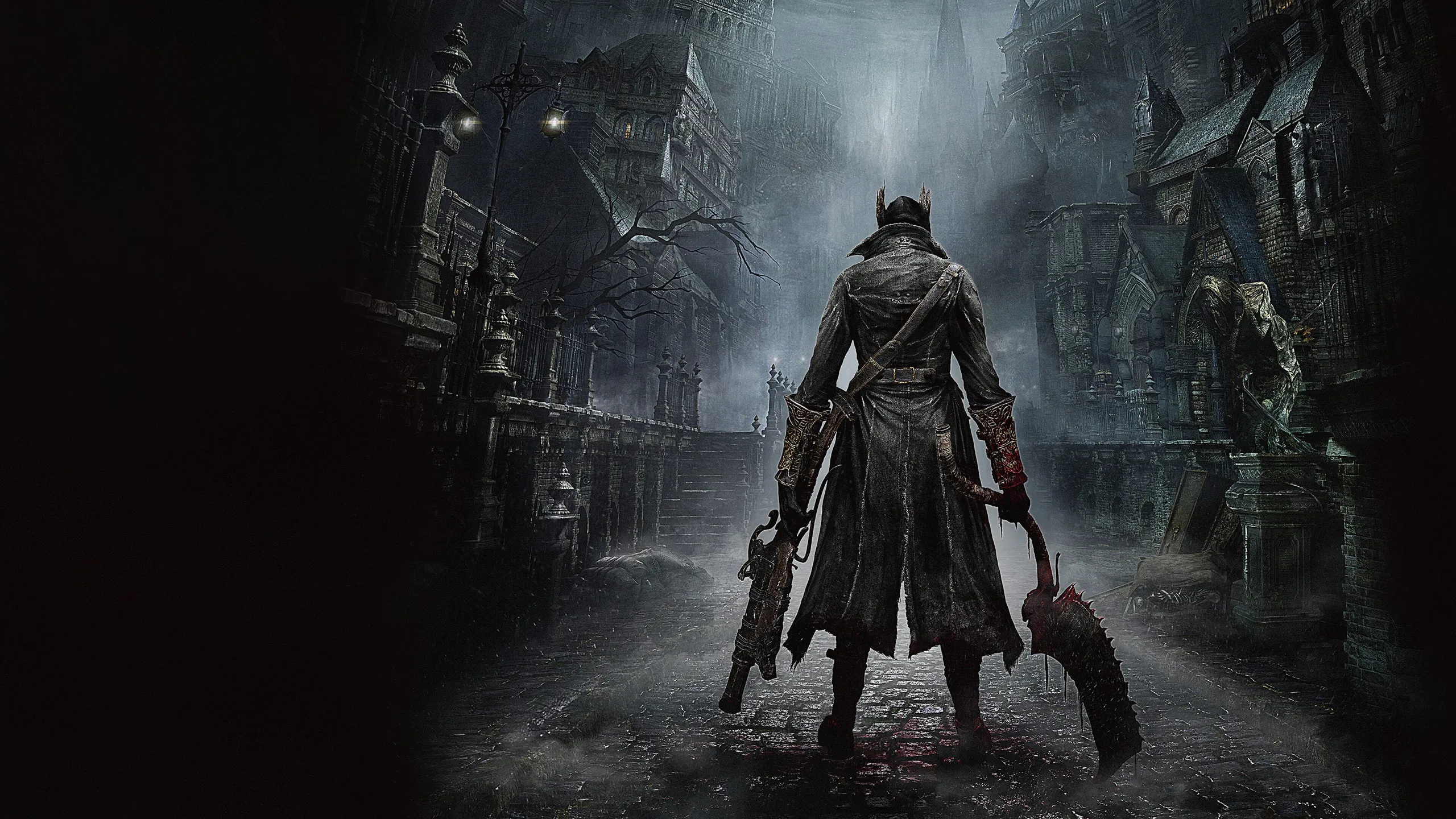
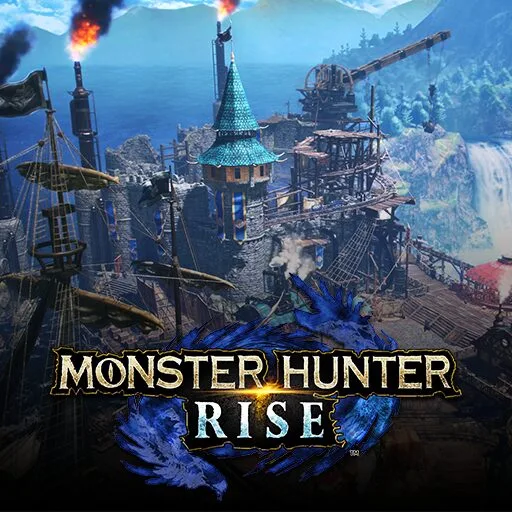
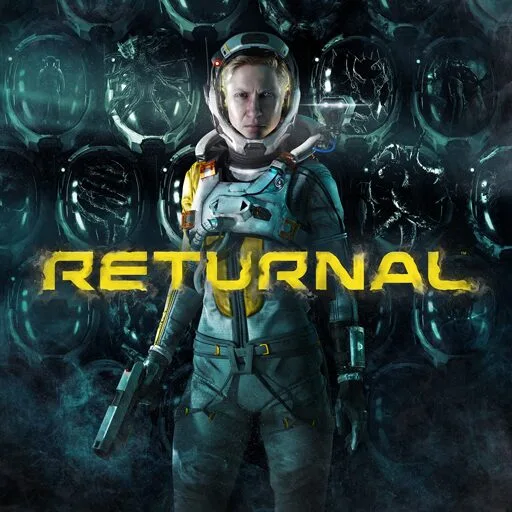
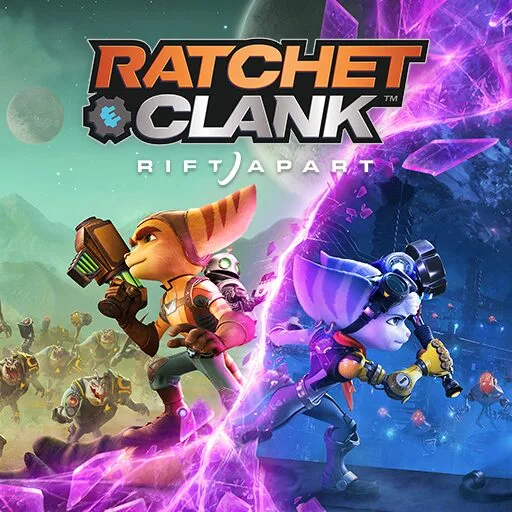
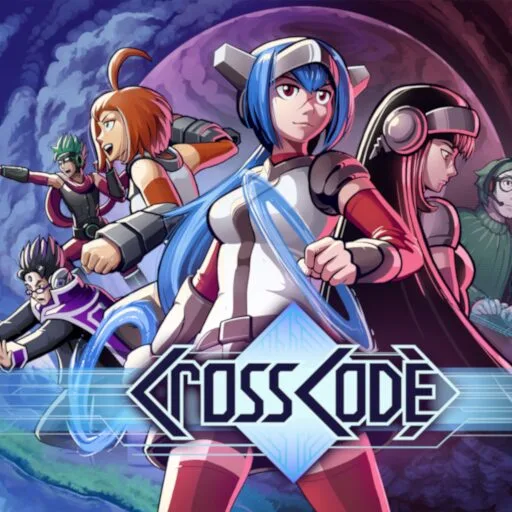
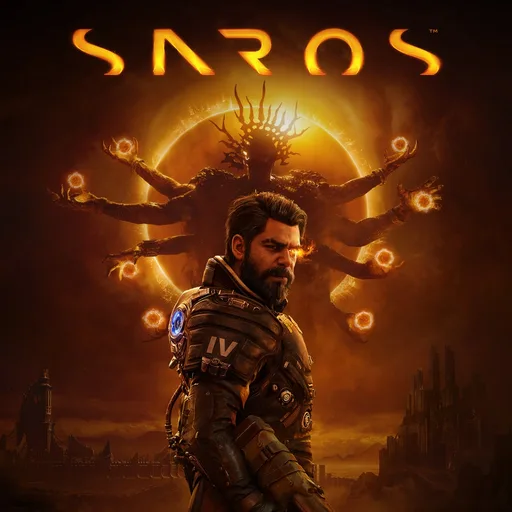
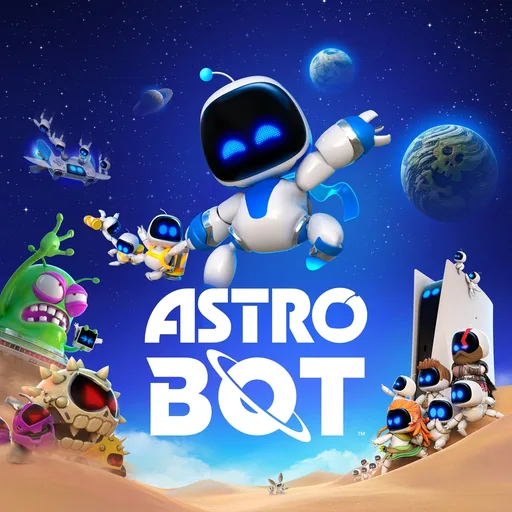
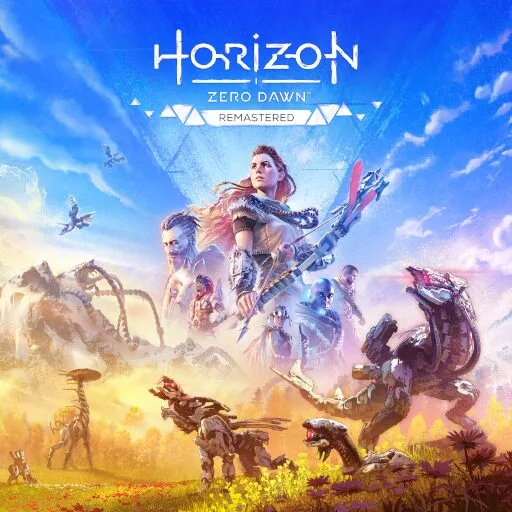
Pick a game and its artwork fills the screen, with your trophies and play time.
Stream your PS5 or PS4 to your PC with Remote Play. Your whole library, on a screen that feels just like the console.
Games
Pick a game and its artwork fills the screen, with your trophies and play time.
Consoles
Tomoshibi finds your console at home and wakes it up for you.
Streaming
Play as if you were sitting in front of it. The PS button, the home screen and your mic are one press away.
Controller
Everything works with a controller, even typing. At the desk, mouse and keyboard work too.
Account
Your games, play time and trophies at a glance. You only sign in once.
Settings
Sharp on a big TV, smooth on a laptop. Every setting explains itself in one line.
Tomoshibi finds your console at home, wakes it from rest mode and connects. Try it: switch it to rest mode and press Connect.
PS5

Last played
God of War Ragnarök
Today · 42 min played
Haptic feedback, adaptive triggers, motion controls and the touchpad feel the same as on the console.
Haptics need the DualSense on a USB cable. Over Bluetooth it rumbles instead.
Play your PS5 over the internet, from anywhere. No router settings needed.
Your mic goes straight to the console.
On a 1440p or 4K screen the picture is upscaled and sharpened, so it doesn’t look blurry.
One click adds Tomoshibi to your Steam library, so you can start it from there too.
In English, German, French and Spanish.
PS Plus PremiumExperimental
With PS Plus Premium you can play hundreds of games straight from Sony’s servers, without a console.
Start right away, no console needed.
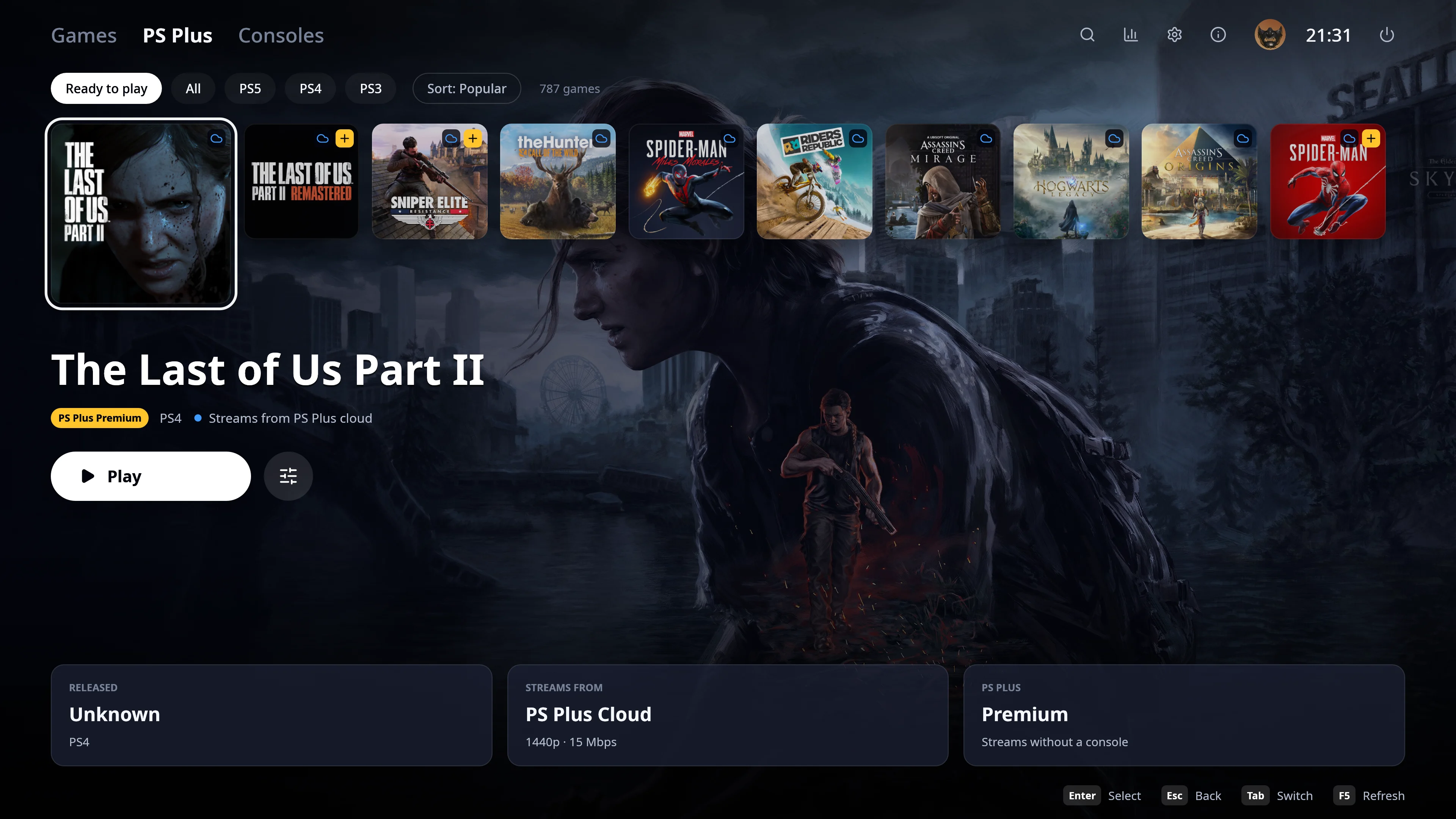
Experimental: Sony may change or block cloud streaming at any time.
No. Streaming from your own PS5 or PS4 works without it. You only need PS Plus Premium to play games from the cloud, without a console.
Every PS5, including the Pro and the Slim, and every PS4, including the Pro.
With a PS5, yes: Tomoshibi connects over the internet without any router settings. This is still experimental. A PS4 only works on your home network.
Not yet, a Windows version is on its way. Until then Tomoshibi runs on Linux, and on the Steam Deck.
It’s made for it: everything works with a controller, the layout fits the Deck’s screen, and one click adds Tomoshibi to your Steam library.
You sign in on Sony’s own page. Your login stays on your computer and is only ever sent to Sony.
No. It’s a free, open source app built on the chiaki-ng project, and it isn’t affiliated with Sony.
Then
Sign in
With your PlayStation account.
Link your console
Enter the code it shows you.
Play
Your whole library is ready.
# Needs Rust, CMake, Clang, FFmpeg, Opus and SDL3. The README lists the packages.
$ ./scripts/fetch-chiaki.sh
$ ./scripts/install.sh
$
Built on chiaki-ng. On Linux it installs for your user into ~/.local.